TikTok group-stream consoleGifts scored automatically
Choose PK battles, draws or viewer games to suit your show. Upload the session to review each host's gifts on the website.
Windows / macOS
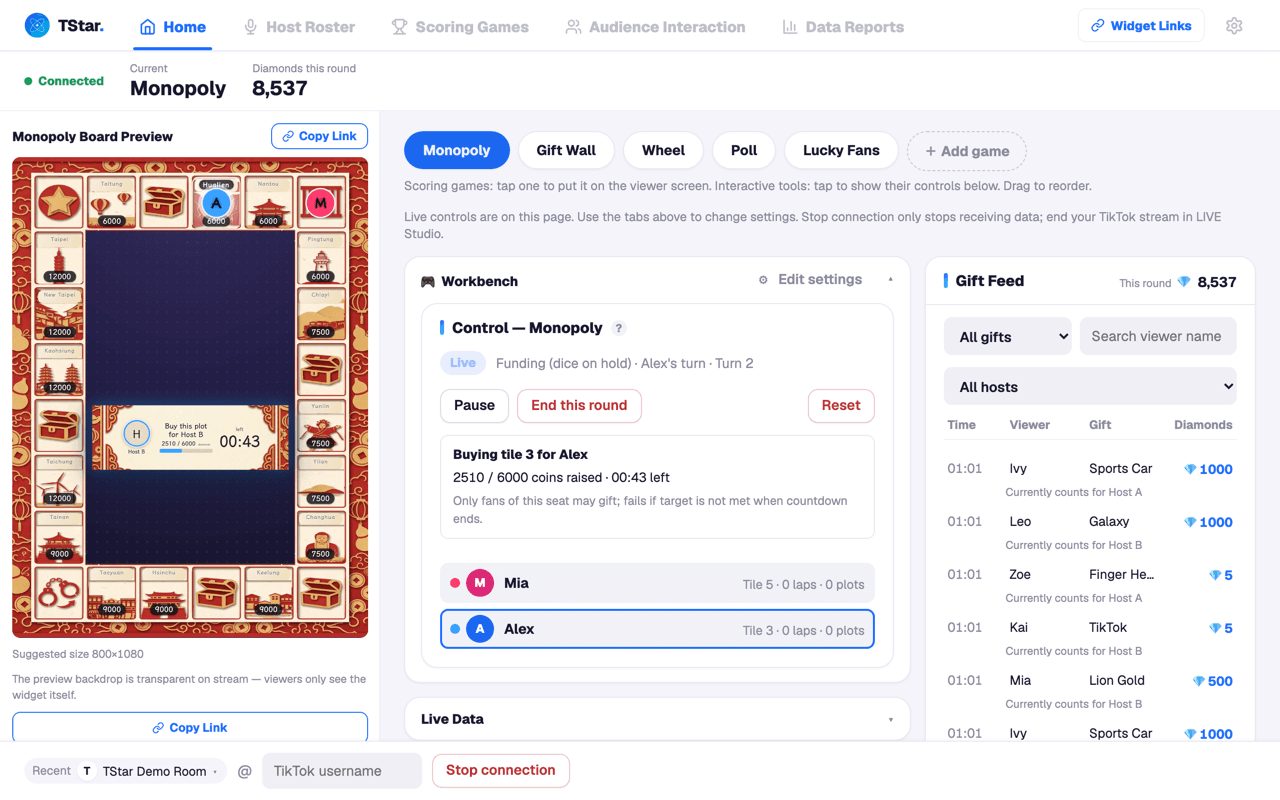
Group streams are more than PK
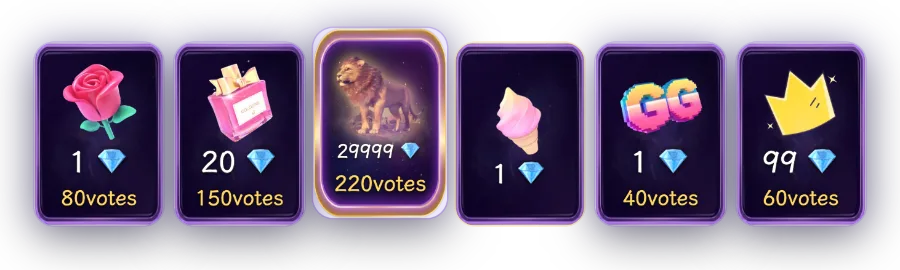
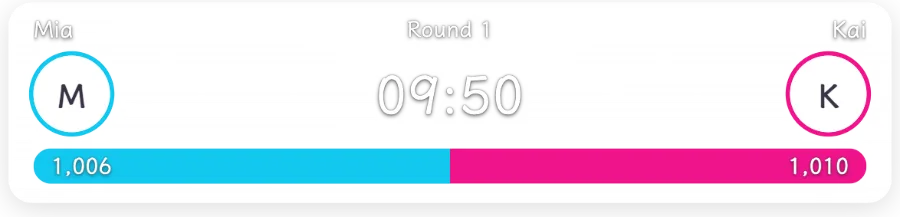
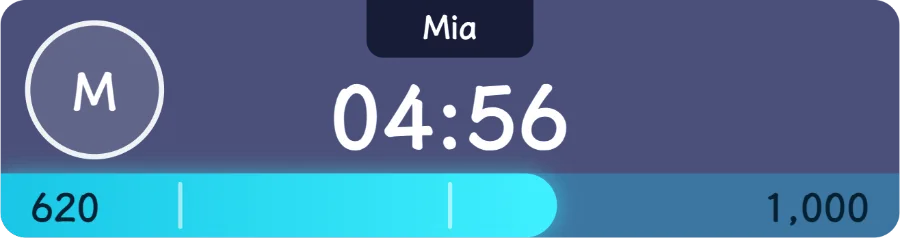
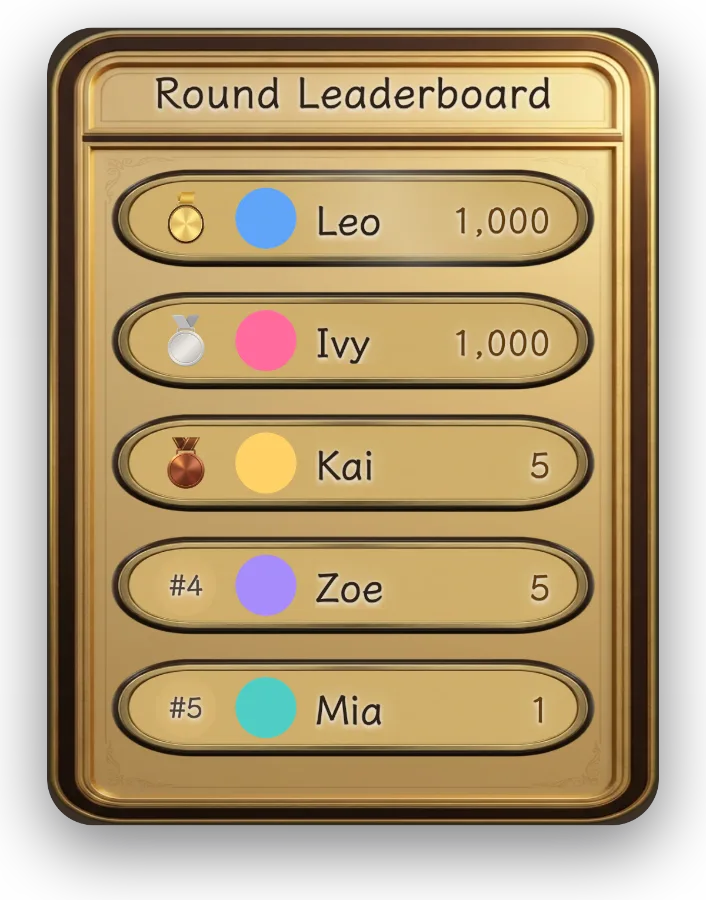
PK, Gift Wall, Monopoly, the Slot Machine and prize wheels: pick a game and add it to your stream.
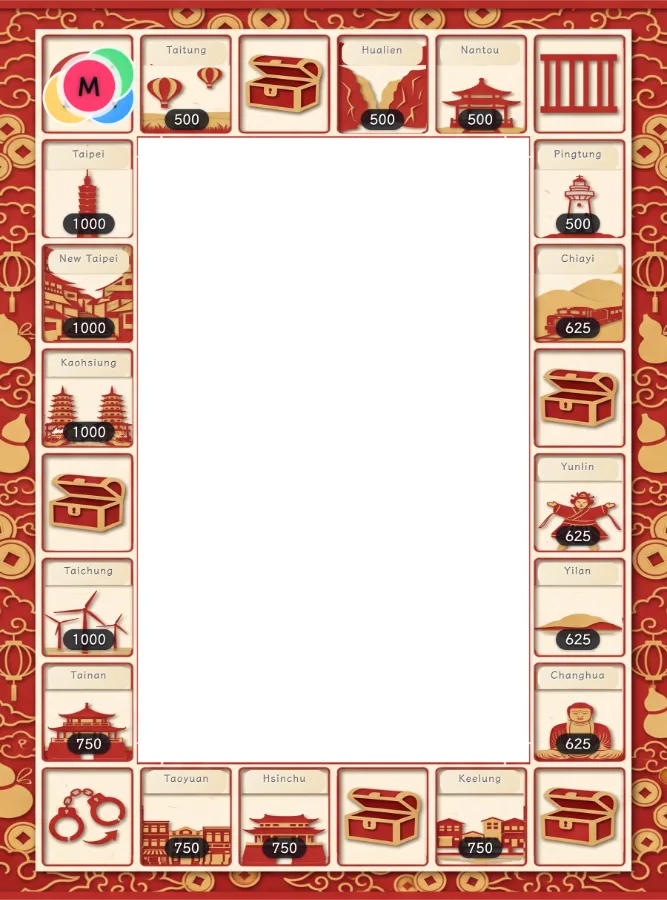
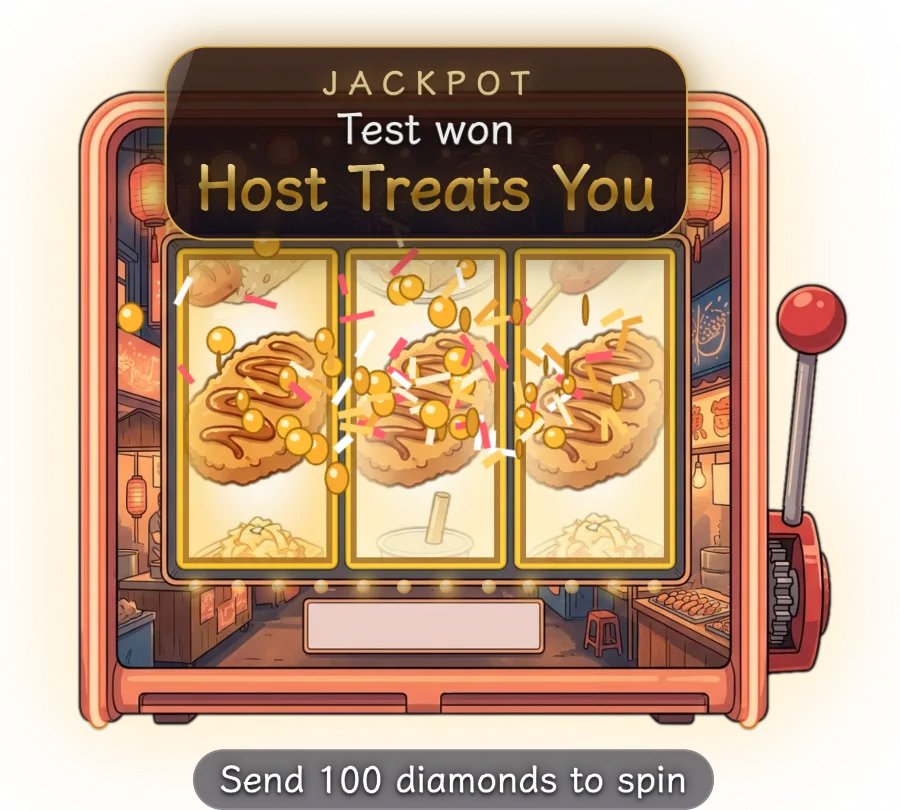
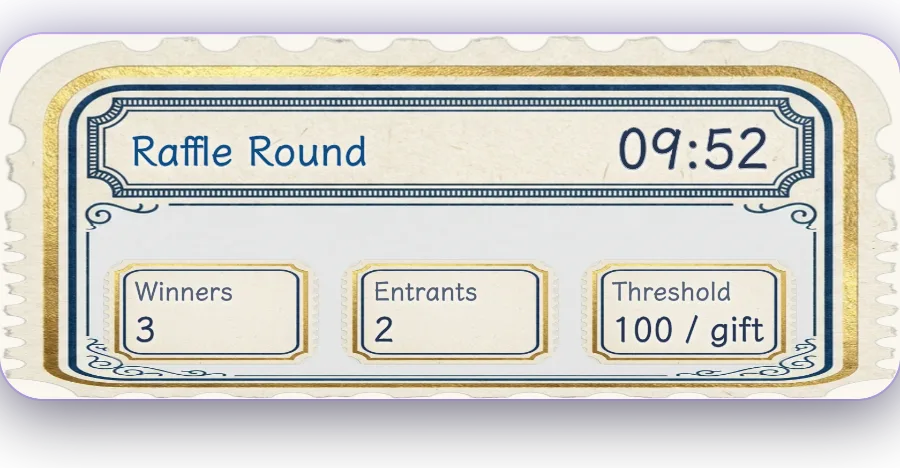
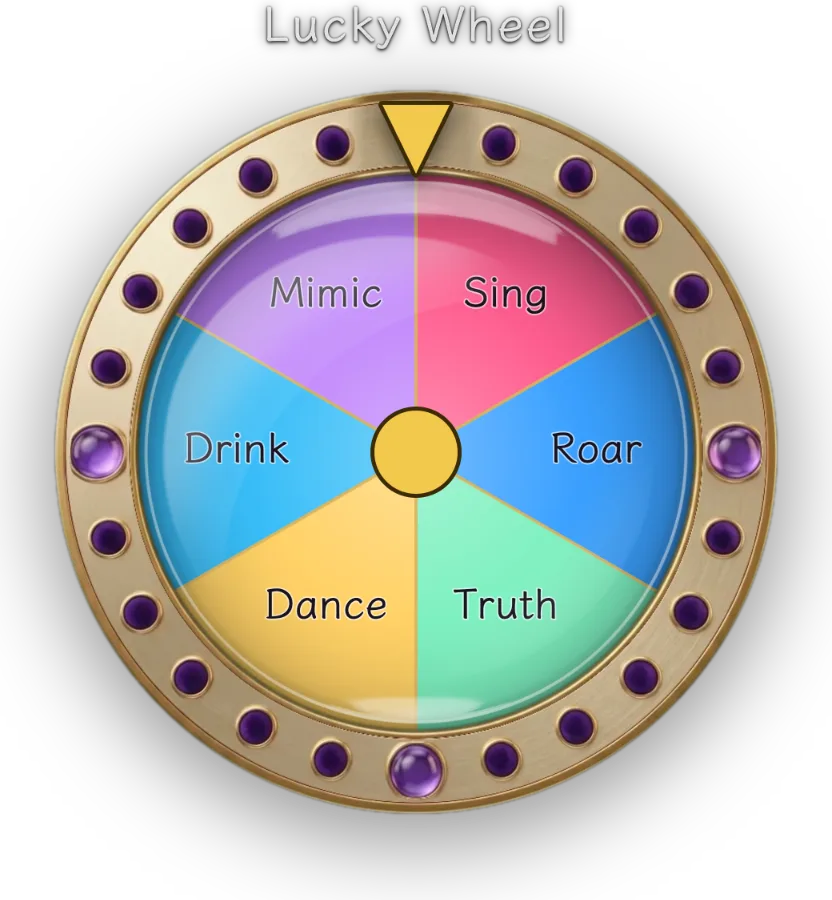

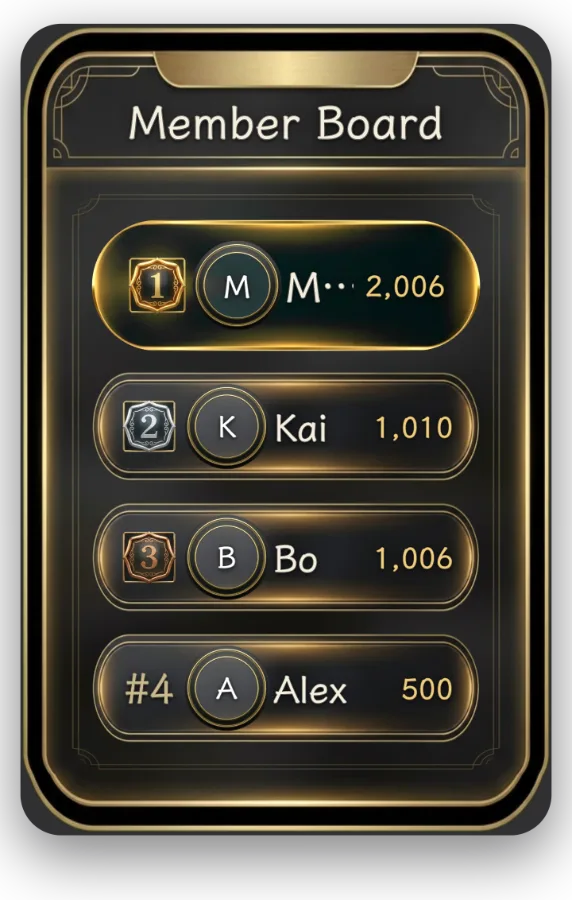
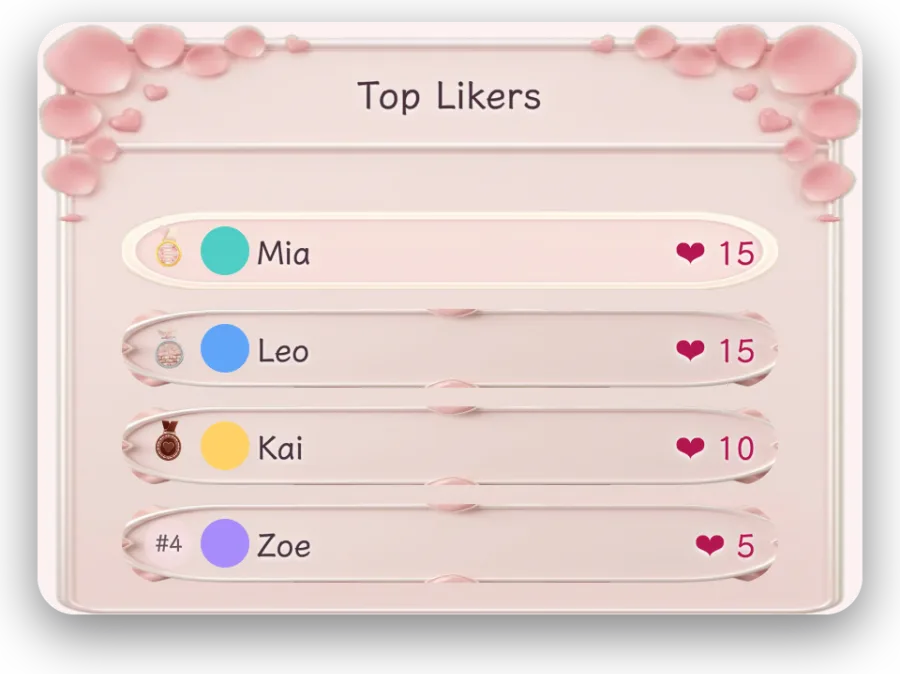
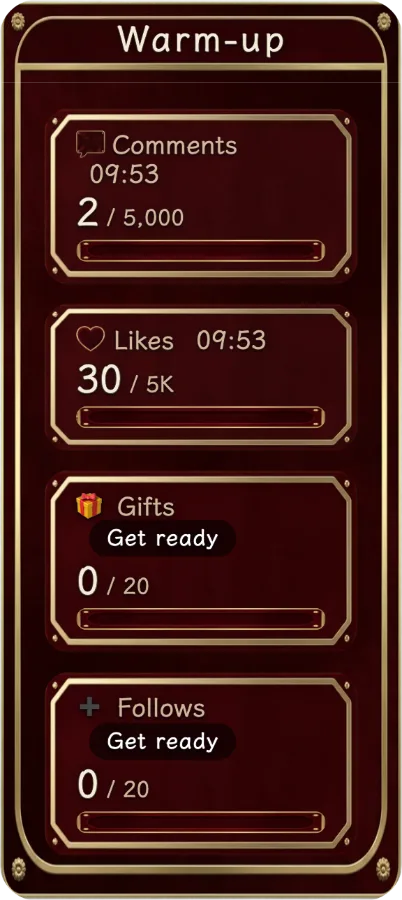

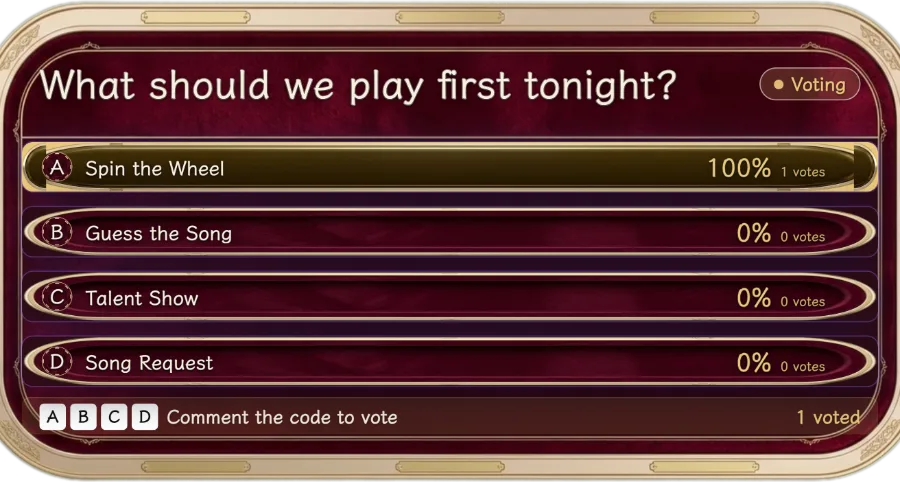
Roll the dice, fund property and draw chance cards, with seven boards to choose from.
Three things to do before you go live
Enter the live handle
Enter the host's TikTok handle in the console, and gifts and comments from the live room start coming in.
Paste into LIVE Studio
Copy the game link, add a Browser Source in TikTok LIVE Studio and paste it in. The game appears on your stream.
Pick a game, press start
Pick tonight's game and press start. Scores update as viewers send gifts.
Run the whole stream from one window
Switch games, pause or wrap up mid-stream, all in the same window.
- See recorded gifts, who sent them and their diamond values
- Set the number of teams, timer length and gift multipliers yourself
- Pause at any time or end a round early
- Nothing to install in TikTok LIVE Studio
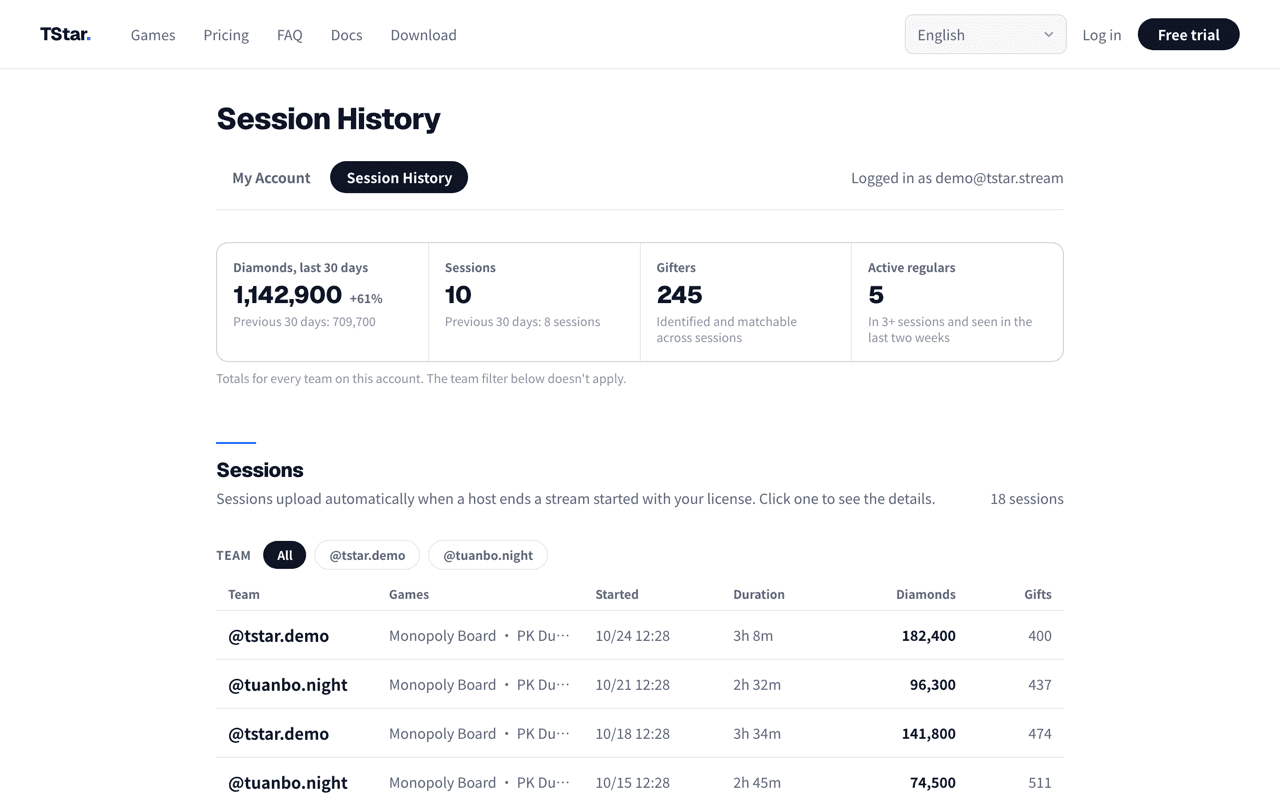
No more tallying by hand
Diamonds, gifts and host rankings are recorded for every stream, ready on the website when you finish.
- See at a glance who brought in the most diamonds
- Numbers that show how each host has been doing lately
- Find out which game earns the most
- Charts for host trends and game revenue, no spreadsheet needed
Every game included
One license key unlocks every game.
Guild multi-license plan
Buy several licenses of the same plan in one order and the whole order is discounted. Each license runs on one computer.
Launch offer on now. Prices return to the standard price when it ends.
Each license key is tied to one computer, which can switch between TikTok accounts. Questions about payment or activation? See the FAQ.
Try it for 7 days first
Verify your email, then request a 7-day trial key from My account.
Have a question? Contact us on Discord
 Open Discord
This opens a Discord contact invitation. Add us, then send a message with your question or trial request.
Or email hello@tstar.stream
The email link opens a draft in your mail app. Send it there to contact us.
Common questions before going live
Before you go live
- What do I need to go live?
- A Windows or macOS computer, TikTok LIVE Studio and a license key. Install the console, enter the key, then paste the game link into a Browser Source in LIVE Studio.
- Do you need my TikTok password?
- No. The console only needs the live room's handle to receive gifts and comments. You never log in to TStar with your TikTok account.
- Will it lag? Can my computer handle it?
- Any computer that already streams with LIVE Studio can run it. How smooth it is still depends on your computer and network; see "Performance and hardware" in the docs for recommended specs.
- Can I use it when streaming from a phone?
- The game overlays are shown through TikTok LIVE Studio on a computer, so you need to stream from a computer. If you stream from a phone, scores and reports are still recorded, but viewers won't see the game on screen.
Scoring and data
- Are gift streaks counted twice?
- No. A streak is counted once when it ends, using the final diamond total TikTok reports. PK scores and stream reports use the diamonds actually received.
- How do points go to each host or team?
- When you set up a game, assign specific gifts to each host or team. When a viewer sends that gift, the points go to that host or team. Streaks are counted once when they end.
- Is my data kept after the stream?
- The console's Reports page opens the website dashboard. After a session uploads successfully, review gift data, donor retention and host trends there, and export CSV or multi-sheet xlsx.
Plans and license keys
- Can I try it first?
- Yes. Sign up, verify your email, answer a few short questions in My account and request a 7-day trial key. It has the same features as the paid version.
- How many computers can use one key? What if I switch computers?
- Each key is tied to one computer, which can switch between TikTok accounts. To move to a new computer, unbind the old one yourself in My account on the website and enter the key on the new one. No need to wait for support. Streaming from two computers at once needs two keys.
- How do I pay, and how soon is it activated?
- Bank transfer is available in Taiwan; elsewhere, use PayPal. PayPal payments activate automatically. Bank transfers are checked by hand and activated on your account within 1 business day.